项目背景:这是看雪课程的一个实战项目,目的是练习脱壳、IDA分析和Frida Hook等技能。
脱壳:使用LSPosed的Layout Inspect模块脱壳
Layout Inspect地址: Xposed-Modules-Repo/com.flass.layoutinspect: Layout Inspect
jadx反编译,查看主要逻辑,发现加密位置在native层
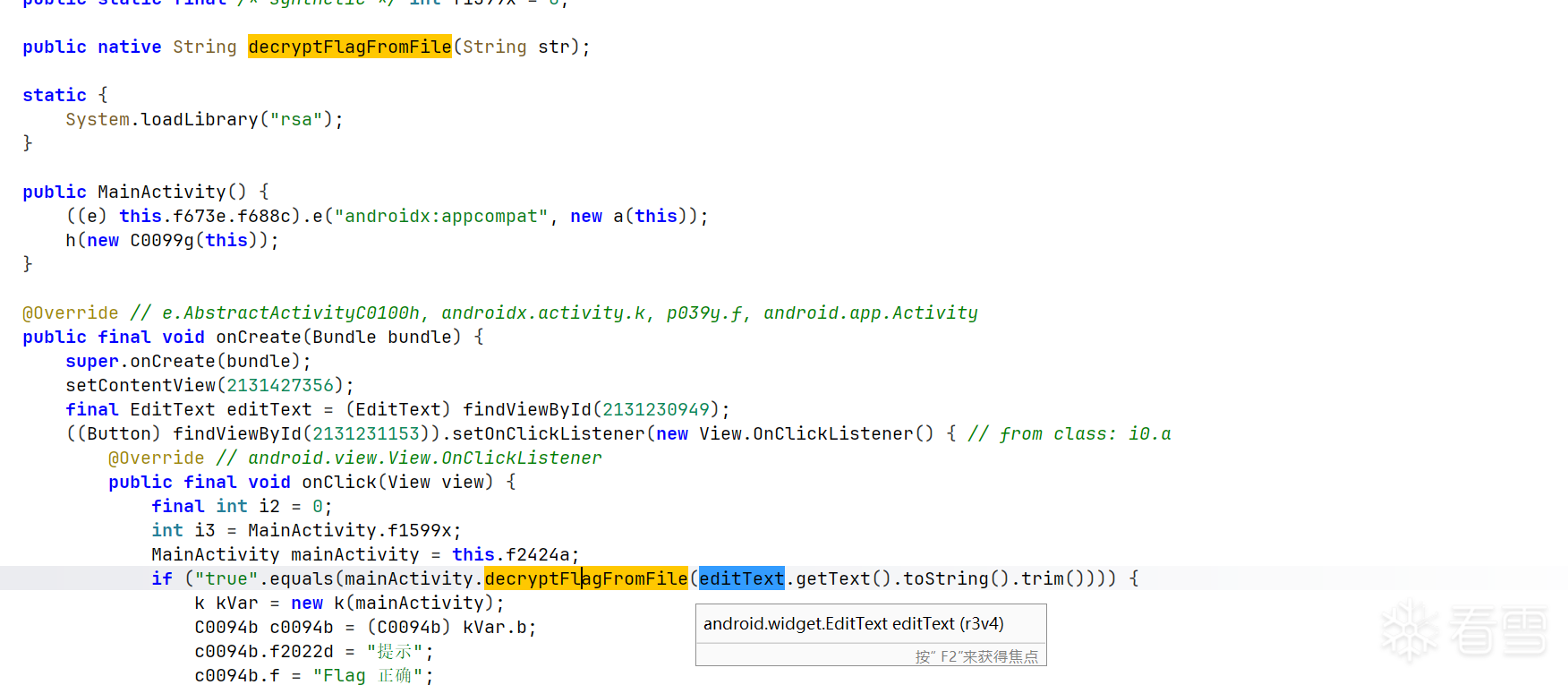
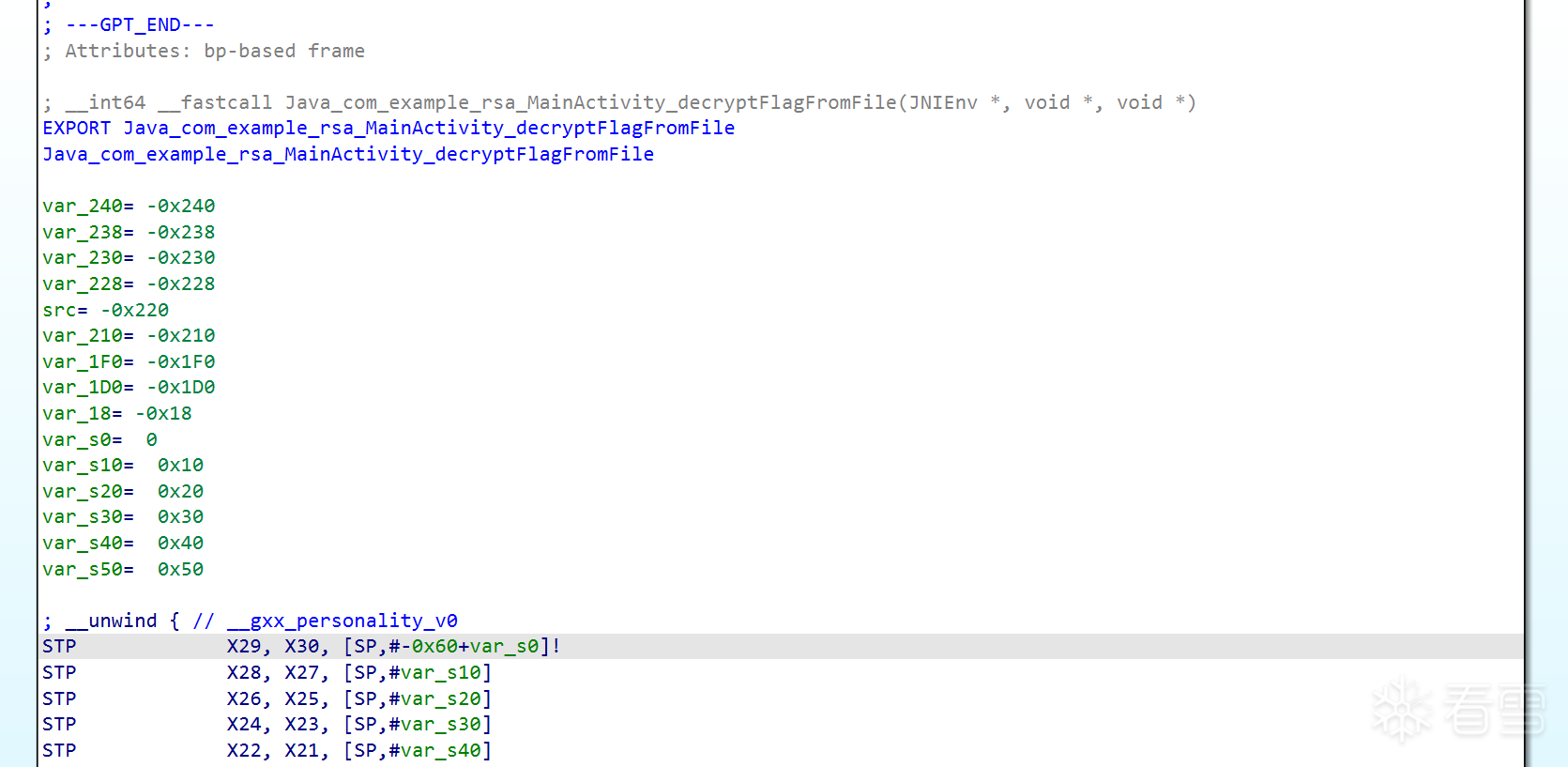
3.IDA分析decryptFlagFromFile
找到函数位置,先用ai分析一下,发现函数的RSA密钥文件和密文都放在Android assets 资源目录下,RSA密钥文件被aes加密
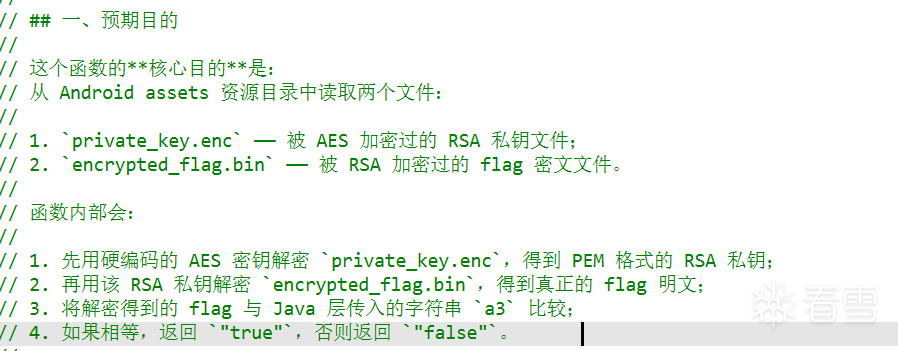
接下来只需要找到aes的key就可以得到flag
往下看发现AES_set_decrypt_key ,跟进后发现是在外部实现的。AES_set_decrypt_key 是 OpenSSL 库的标准函数,在 librsa.so 中通过动态链接调用。ida打开libcrypto.so,查看AES_set_decrypt_key 的具体实现,ai分析参数作用。在 librsa.so 中定位该符号并 Hook得到aes_key
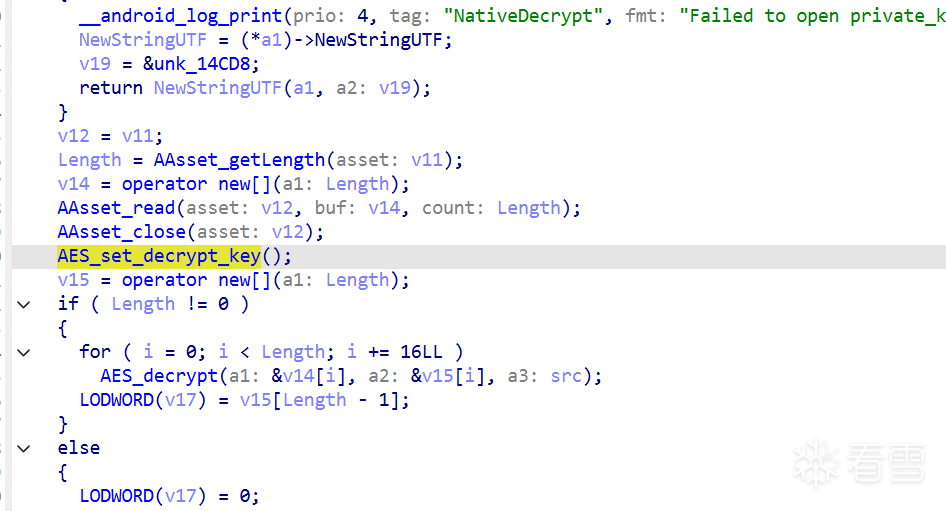

hook aes_key
function hook_aes_key(){
    var addr = Module.findExportByName("librsa.so","AES_set_decrypt_key");
    if(addr){
        Interceptor.attach(addr,{
            onEnter: function(args) {
            // 参数1 (args[0]) 是用户原始密钥指针
            var keyPtr = ptr(args[0]);
            // 参数2 (args[1]) 是密钥位数,如 128, 192, 256
            var bits = args[1].toInt32();
            var keyLength = bits / 8;

            console.log("\n[+] ========== AES_set_decrypt_key Called ==========");
            console.log("[+] Key bits: " + bits);
            // 读取密钥内存,打印十六进制
            var keyBytes = Memory.readByteArray(keyPtr, keyLength);
            console.log("[+] Key (Hex): " + bytesToHex(keyBytes));
            console.log("[+] ================================================\n");
            }
        })
    }
}

// 辅助函数: 将 ArrayBuffer 转为十六进制字符串
function bytesToHex(buffer) {
    var bytes = new Uint8Array(buffer);
    var hex = '';
    for (var i = 0; i < bytes.length; i++) {
        hex += ('0' + bytes[i].toString(16)).slice(-2);
    }
    return hex;
}

setTimeout(hook_aes_key, 1000);


/* 返回值
[+] ========== AES_set_decrypt_key Called ==========
[+] Key bits: 128
[+] Key (Hex): 00112233445566778899aabbccddeeff
[+] ================================================
*/
private_key.enc解密得到private_key.pem
from Crypto.Cipher import AES
import binascii

def decrypt_ecb(key_hex, enc_file, out_file):
    key = bytes.fromhex(key_hex)
    with open(enc_file, 'rb') as f:
        ciphertext = f.read()
    cipher = AES.new(key, AES.MODE_ECB)
    plaintext = cipher.decrypt(ciphertext)
    with open(out_file, 'wb') as f:
        f.write(plaintext)

# 调用
decrypt_ecb('00112233445566778899aabbccddeeff', "private_key.enc", 'private_key.pem')
private_key.pem解密encrypted_flag.bin得到flag
from Crypto.PublicKey import RSA
from Crypto.Cipher import PKCS1_v1_5

with open('private_key.pem', 'rb') as f:
    key = RSA.import_key(f.read())

with open("encrypted_flag.bin", 'rb') as f:
    ciphertext = f.read()

cipher = PKCS1_v1_5.new(key)
plaintext = cipher.decrypt(ciphertext, None)  # None 表示解密失败时返回 None

print(plaintext)
with open('flag.txt', 'wb') as f:
    f.write(plaintext)
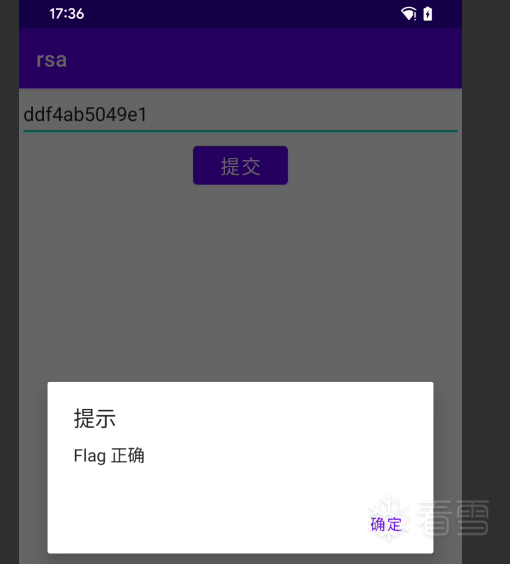
输入密码测试结果
传递专业知识、拓宽行业人脉——看雪讲师团队等你加入!!



 ,还需要继续提升,争取找到工作,一起加油吧